Quick startOne tap to the main features
Translate your voice. Connect with everyone.Voice translation · AI summary · Connect without limits
Speak your language.Understood instantly.
Translate speech in real time, record your meetings
and get AI summaries automatically. For work, study
and a life without language barriers.Live voice translation, automatic meeting notes and AI summaries — so you can connect, work and understand each other more easily, anywhere.
No sign-up · 60 seconds · 5 free tries a day
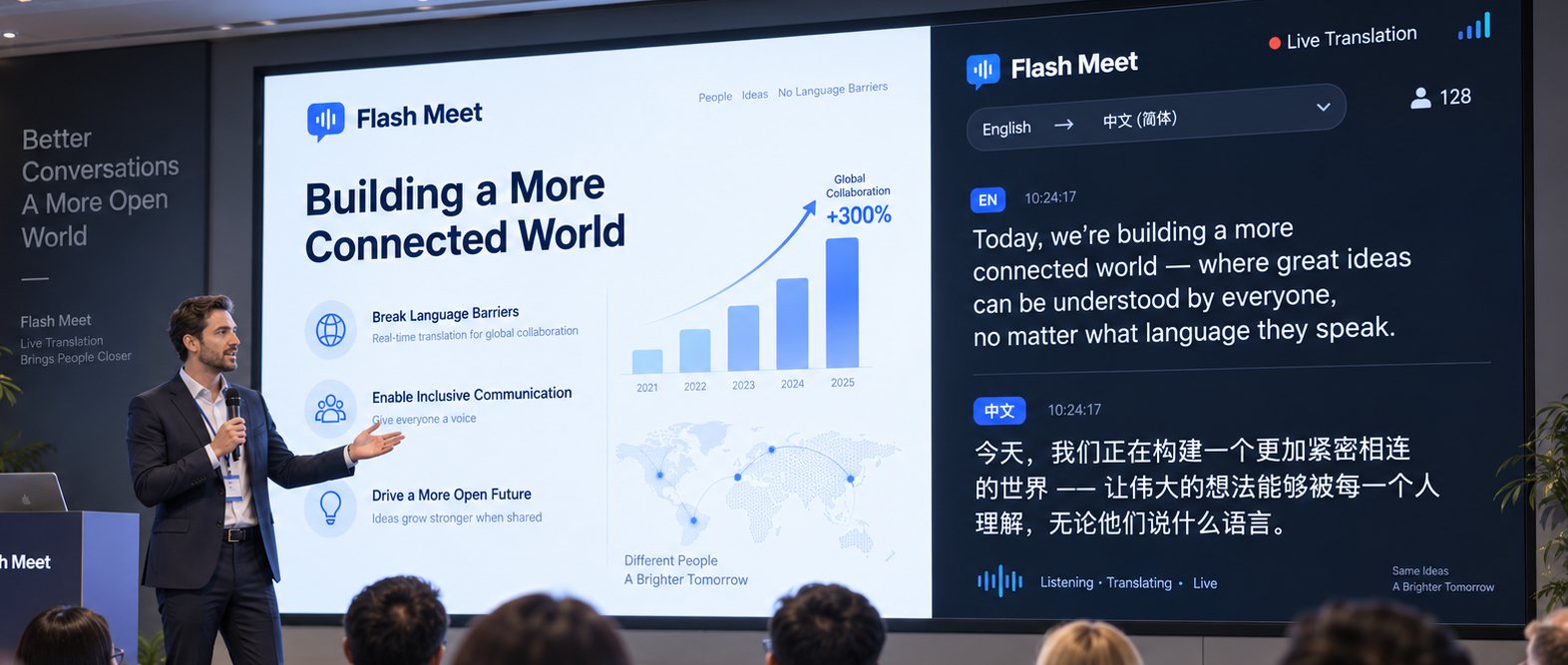
Voice translation·AI summaries·Connect without limits
Understood instantly.
With fewer taps.
Live speech translation, automatic notes and AI summaries — so you can connect, work and understand each other more easily, anywhere.

Use it for
Just three simple steps
- 1Pick the situation
- 2Pick the language
- 3Start translating
Live translationFast and accurate with AI
Speaker separationTells speakers apart
AI summary & action itemsSaves you time
Many languages50+ languages
Use it anywhereWeb, mobile, conferences
What do you want translated?
Pick the situation you are in — each way takes just a few steps.
Most used
Zoom, Google Meet or Teams in the browser
- Install the Chrome extension — once.
- Open the tab the meeting is in.
- Click the Flash Meet icon in the toolbar; translated captions appear over that tab.
YouTube, video, webinars
- Install the Chrome extension — once.
- Open the video in your browser.
- Click the Flash Meet icon and choose the language you want to read.
A conversation at the same table
- Open the Flash Meet app.
- Choose the language being spoken and the one you read.
- Press start and put the device between you — the microphone hears both sides.
The Zoom or Teams desktop app
- Open the app and turn on “Also translate the computer audio”.
- Choose to share the whole screen and tick the share-audio box.
- Flash Meet then hears both your microphone and the meeting.
A conference on a big screen
- Open Conference Mode and pick a layout.
- Put the captions on the big screen, or float them over your slides.
- The audience scans a QR code to read the translation on their phones.
A film at the cinema or on TV
- Open cinema mode on your phone.
- Pick the language you want to read, then set the text size and brightness.
- Rest the phone in front of you — one dim line on black, nothing to glare at the seats beside you.
The extension runs on Chrome, Edge and Brave on a computer. Sharing the audio of a whole screen works on Windows; on macOS Chrome only shares the audio of one tab, so for the Zoom desktop app join the meeting in the browser instead.
There when you need it
Flash Meet helps you break language barriers
in all kinds of situations.
Swipe to explore
Explore all use cases
Start connecting
without limits today
No sign-up · 60 seconds · 5 tries a day