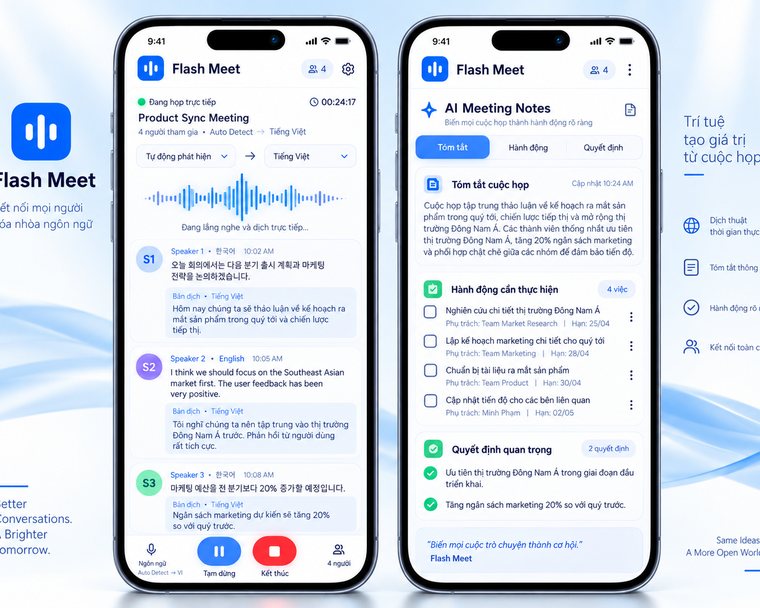
Work meetings
Bilingual captions through a project meeting, a customer call or an internal session; afterwards you get the transcript, a summary and the action items.
Open the appOne tool, many kinds of conversation. Pick the one closest to yours to see where to start.
Bilingual captions through a project meeting, a customer call or an internal session; afterwards you get the transcript, a summary and the action items.
Open the app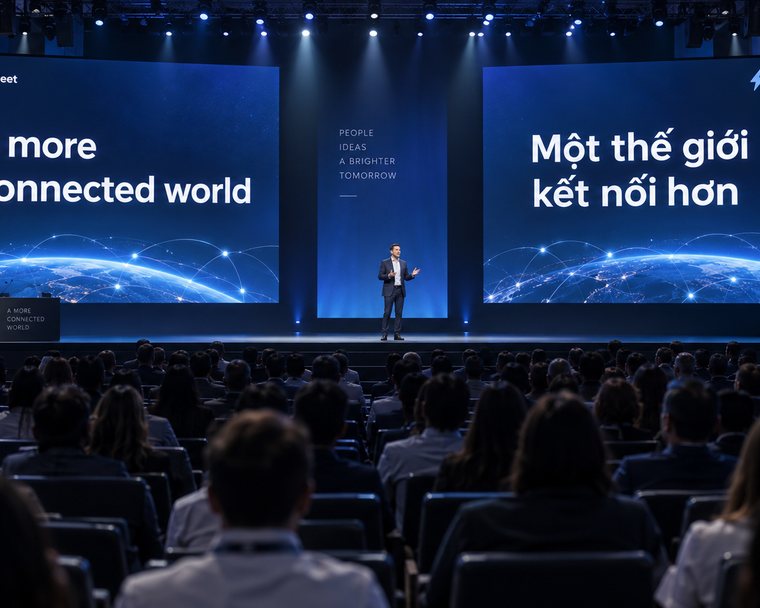
Large captions on the projected screen, a floating panel over your slides, and a QR code so the audience can read the translation on their phones.
Open Conference Mode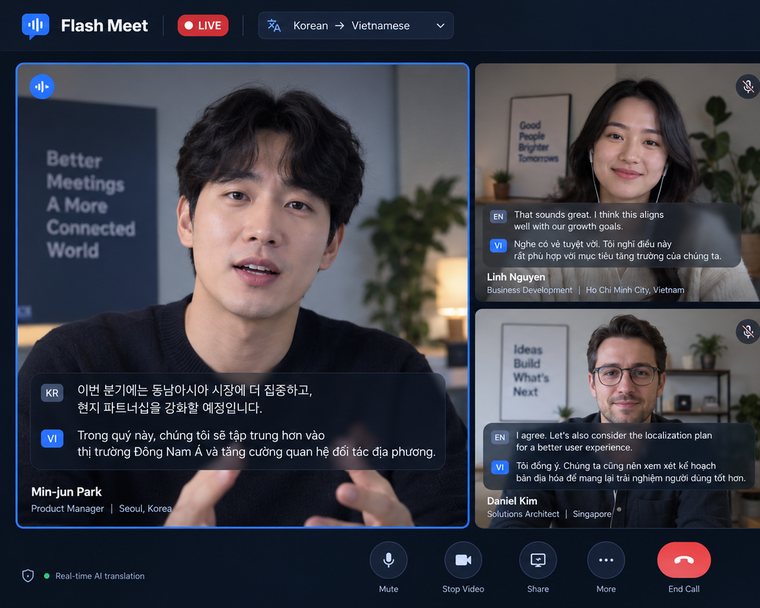
Google Meet, Zoom and Teams run in the browser — the extension listens to that tab and puts the captions right on the page.
See the extension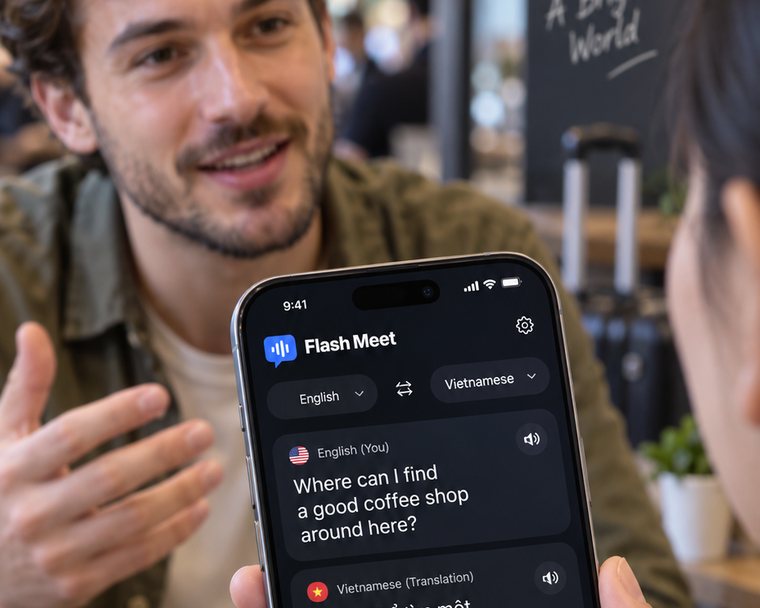
Travelling, meeting a partner or friends from abroad: put the device between you and the microphone hears both sides.
Read the guide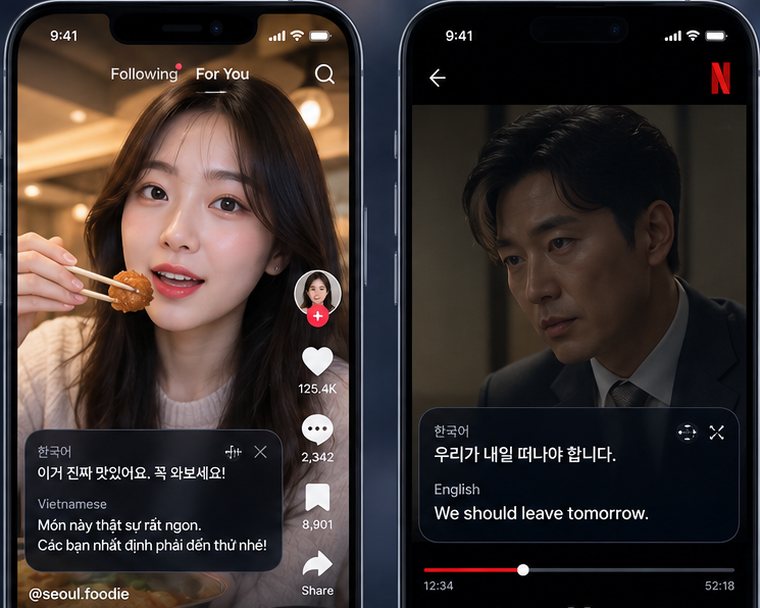
Lectures, seminars and specialist video in another language — read the translation while you watch.
See the extension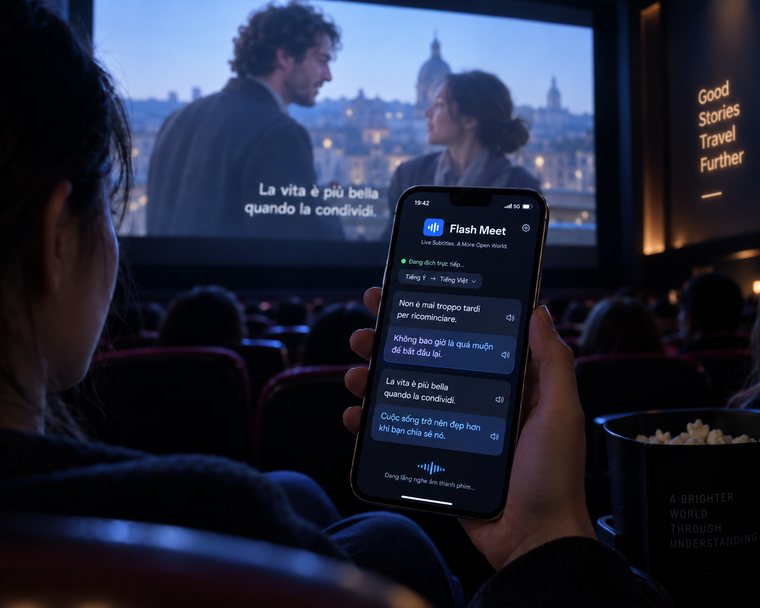
Content without subtitles still works, because the extension listens to the tab’s own audio.
Open cinema mode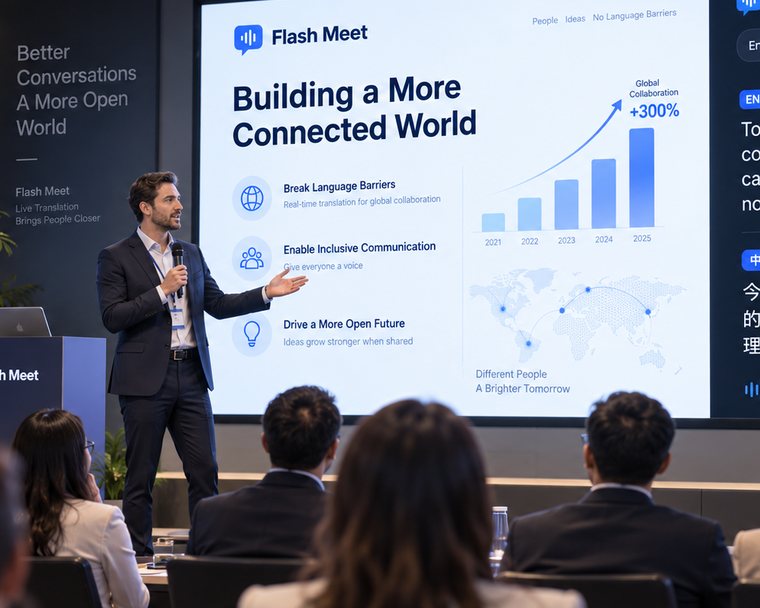
An international audience follows every point: captions on the projector or floating over your slides.
Open Conference ModeOpen Flash Meet in your browser, or read the guide if you would rather take it step by step.